01
Instant Access
Open your project just once, and you're immediately ready to manage all your .env files.
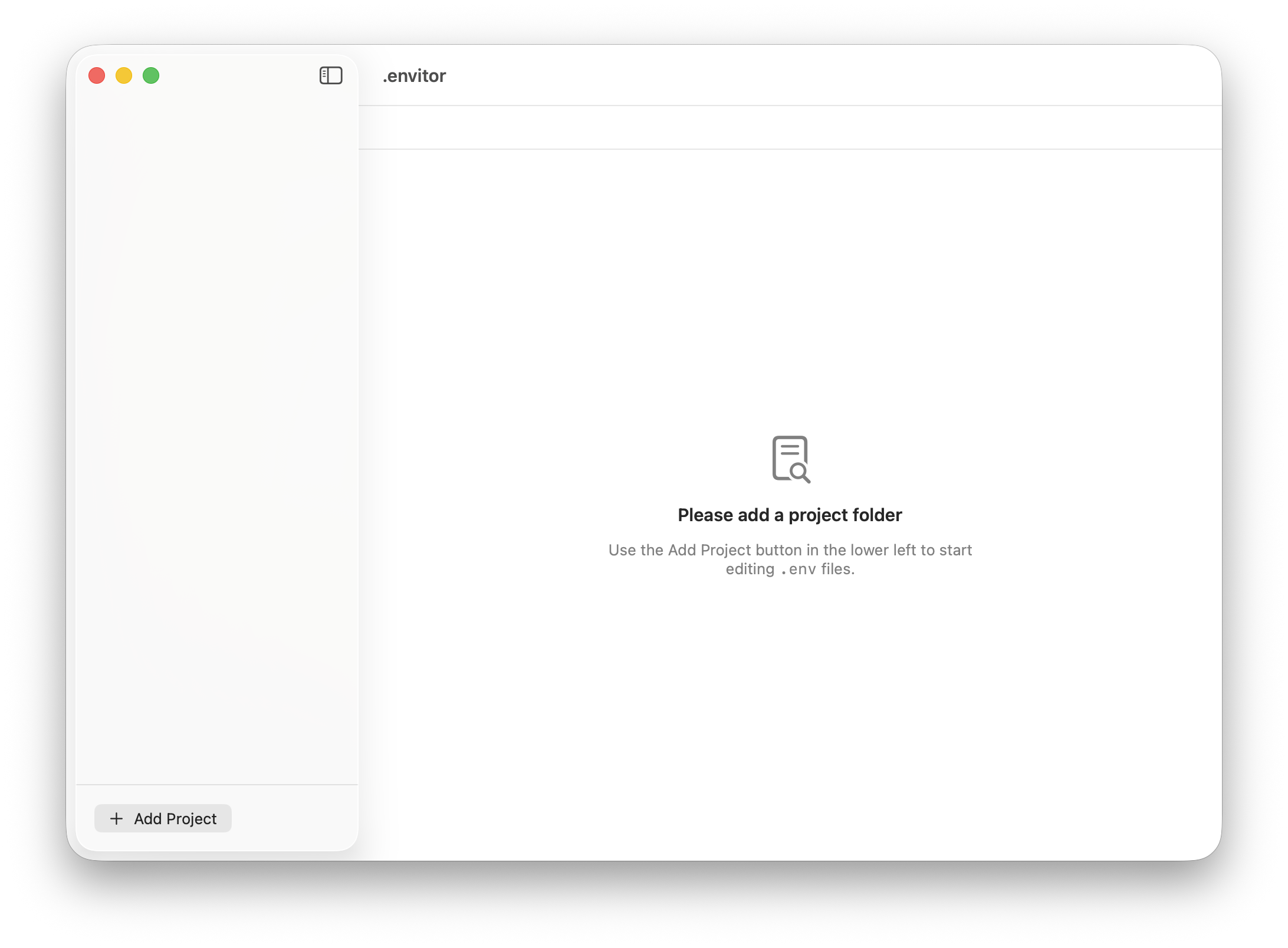
 Dotenvitor
Keep Your Secrets Out of the AI's Context.
Don't hand over your sensitive .env files to AI. Dotenvitor lets you safely, easily, and directly manage all your environment variables in one secure place.
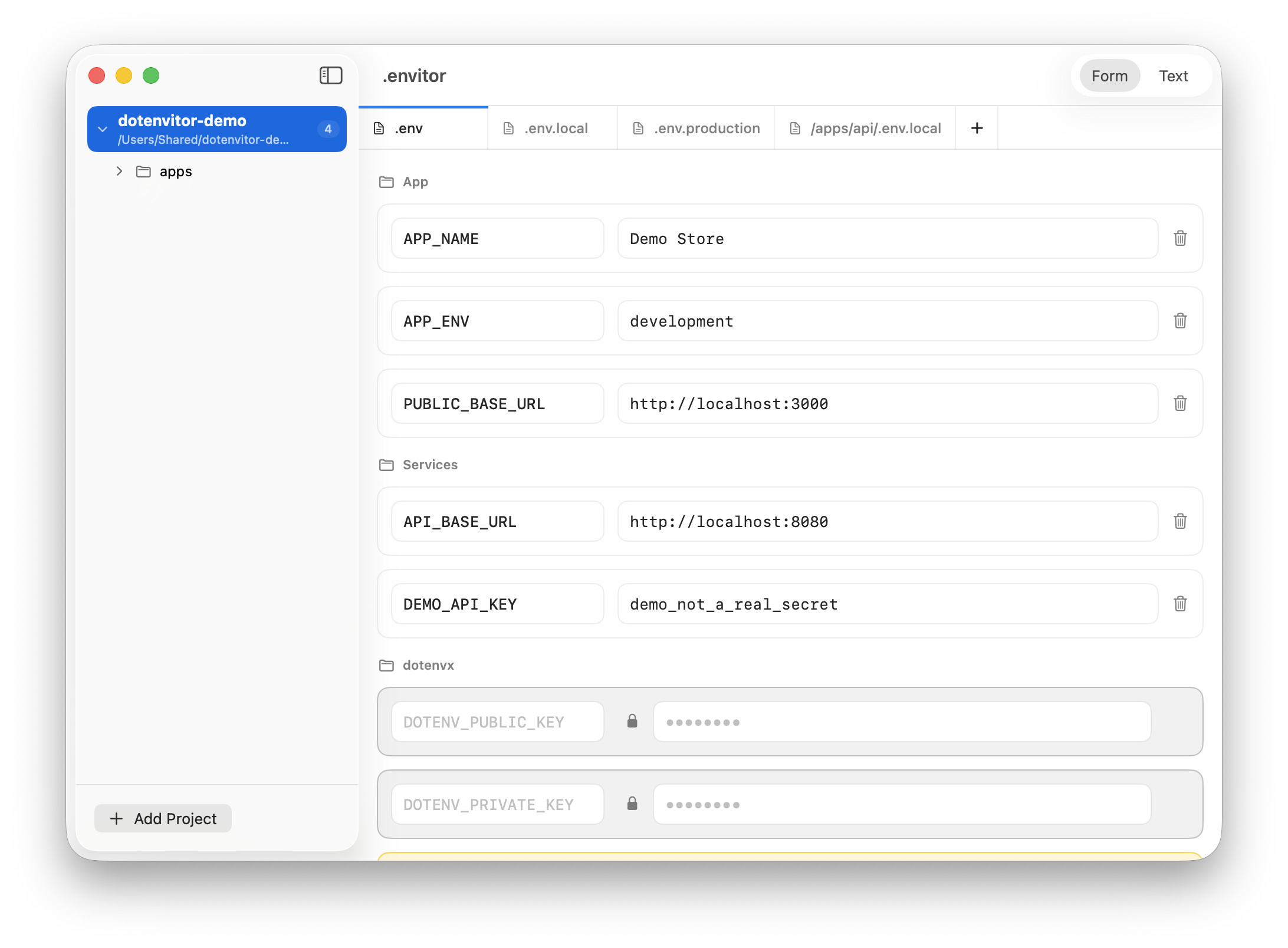
Open your project just once, and you're immediately ready to manage all your .env files.
Automatically discover .env files hidden deep in subfolders and switch between them effortlessly with tabs.
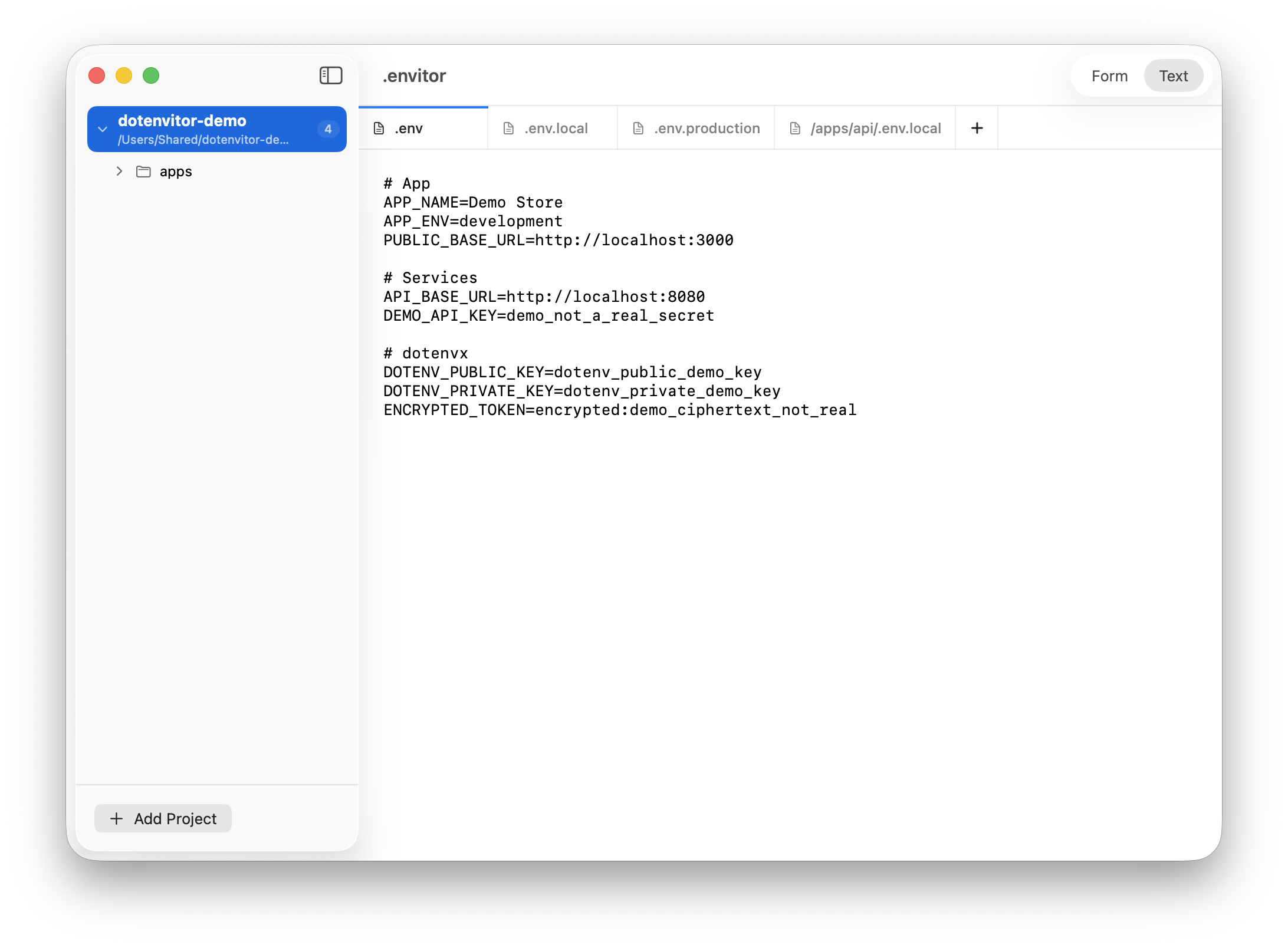
Prefer the classic way? Switch to the traditional raw text editor mode whenever you want.
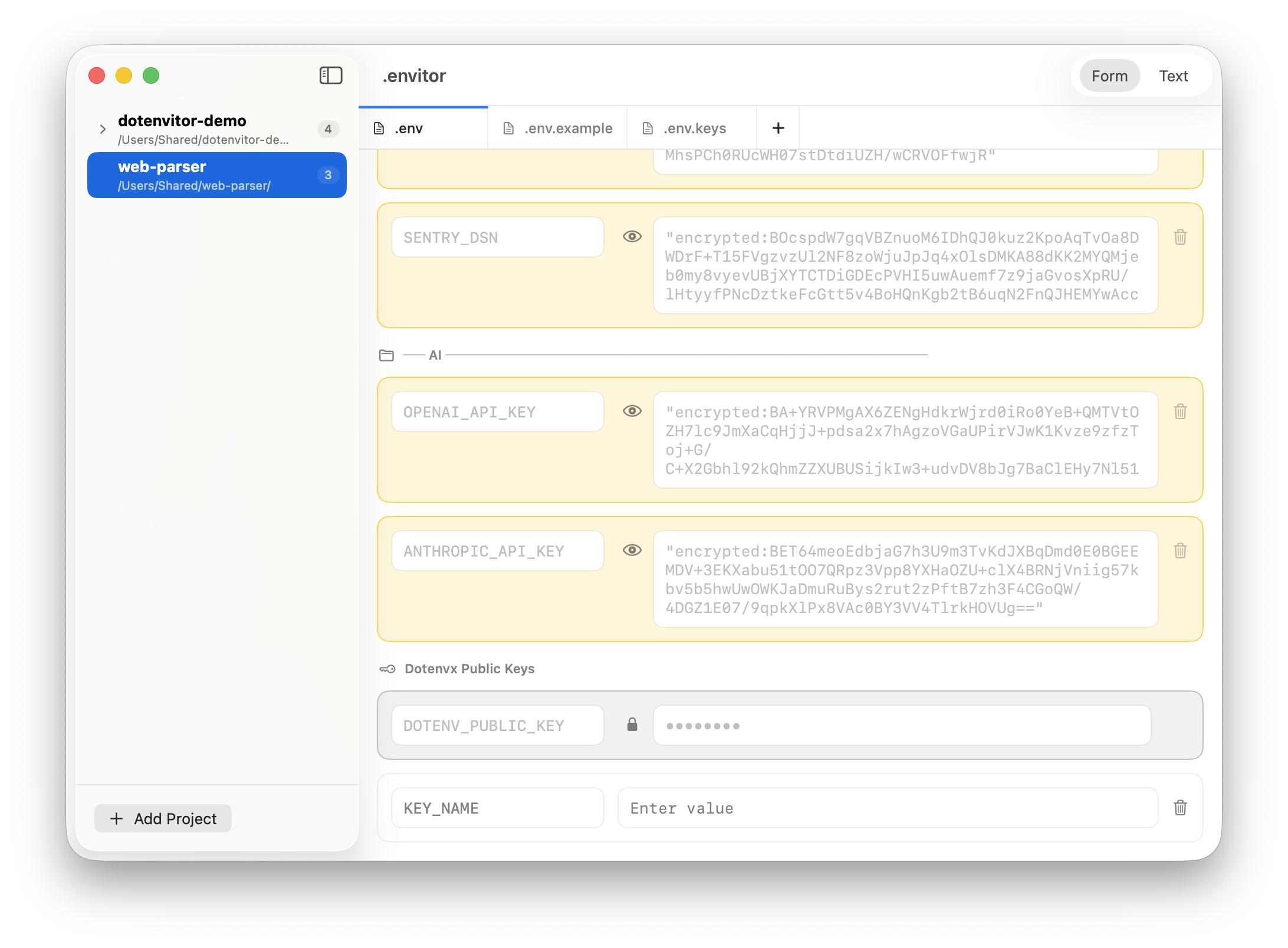
Safely decrypt and view original values key-by-key. Edit them, and they are instantly re-encrypted upon saving.
Duplicate your .env files with a single click—keeping all the keys perfectly intact while safely stripping out the sensitive values.
Keep things organized. Dotenvitor automatically groups your keys based on comments (easily toggled off in settings).
Inline comments written next to values are beautifully extracted and displayed as helpful descriptions at the bottom of the screen.
Instantly spot commented-out key/value pairs and restore them to active duty with just one click.
Jump straight to your project, specific folder, or .env file in Finder directly from the editor.
Never overwrite variables by mistake. Get instant real-time alerts if you create a duplicate key.
Open a project, choose the environment file, and make the change with a tool built for the job.
Download Dotenvitor